The Portal Roblox Discord and Community Links
Verified places to hear new codes, patch notes, and group up for The Portal.
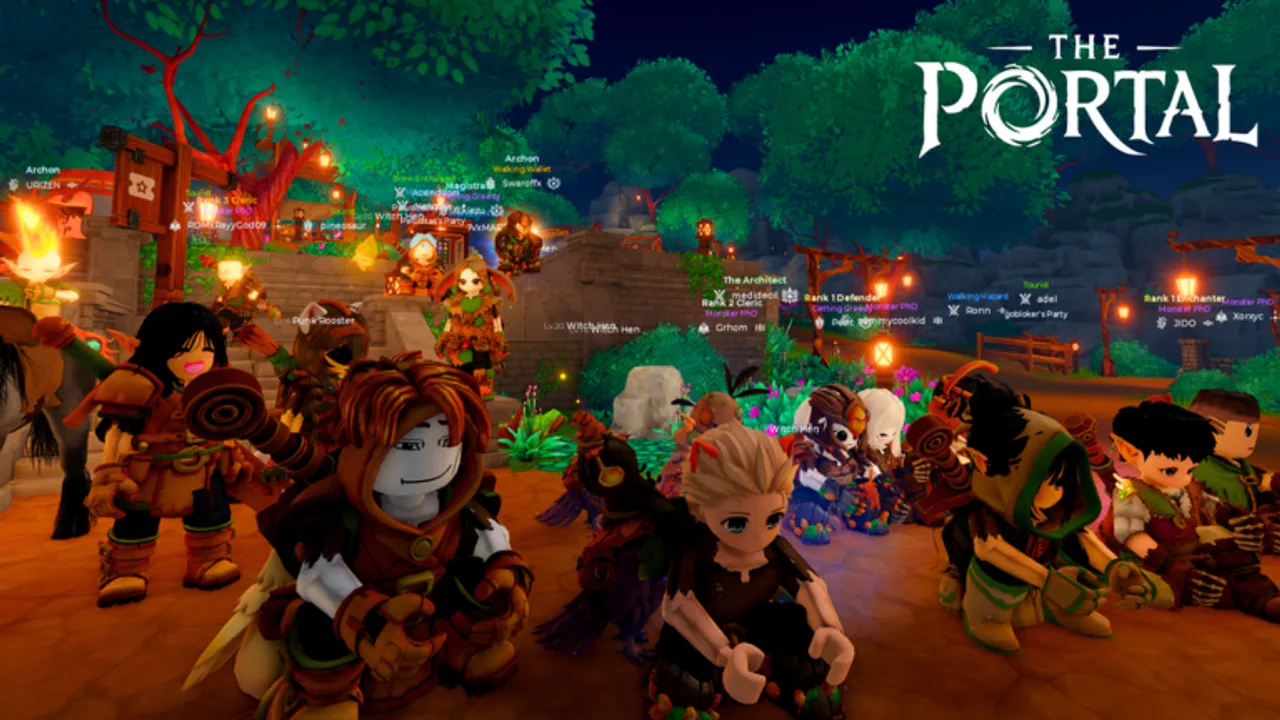
Community channels are where The Portal announces like-milestone codes and hotfix notes first. This page lists the safest public entry points for the Roblox MMORPG by The Box of Trolls Studio so you avoid phishing invites and fake “free Robux” clones.
Official Roblox experience
Always launch from Place ID 122003435349029:
Universe ID 9356969539. Confirm both IDs before joining any “private server” advertisement.
Official Discord
Developer and community discussion for codes and updates:
Use this invite when you need early 5KLIKES-style announcements. After any Discord code drop, cross-check the string on our Codes Hub before redeeming—typos and expired reposts still circulate.
Safety rules:
- Never share your Roblox password in Discord DMs
- Ignore anyone selling “guaranteed High Elf” services that need your account login
- Prefer roles and channels linked from the official Roblox game page when invites rotate
Box of Trolls Studio group and +5% XP
Join the Box of Trolls Studio Roblox group from the experience’s community links. Separately, tap Favorite on the game page for the advertised +5% XP bonus. Both habits help slow-paced progression without spending mirrors.
How the wiki fits in
portalgame.wiki is an unofficial fan wiki. We mirror verified codes, builds, and guides in English, Français, Deutsch, Español, and Português (BR). We are not The Box of Trolls Studio.
Useful wiki hubs after you join Discord:
- Codes Hub — active 5KLIKES, THROUGHTHEPORTAL, RELEASE, 2KLIKES, 1KLIKES
- Updates hub — Release v1 and 5K likes milestone
- Guides hub — controls, races, Combat Points, gathering
- Party composition — who to invite from Discord LFGs
- Builds hub — Warrior, Defender, Enchanter, Cleric
Social handle
Wiki updates: @portalgamewiki on Twitter/X when major code or tier changes ship.
Reporting scams
Report phishing Discord servers and cloned Roblox places through Roblox support. Do not paste session cookies or QR-login screenshots for “free Job Change Mask” offers.
Related pages
- Links hub
- How to redeem codes
- Getting started
- Scripts hub — why unauthorized executors risk bans
- System requirements
What to do in Discord first
- Read announcement channels for the newest code strings and compare them to the Codes Hub.
- Find LFG or party channels if you need a Defender / Cleric / Enchanter trio.
- Ask race or class questions only after skimming How to choose a race so helpers are not repeating tutorial basics.
- Ignore DMs that request passwords, QR logins, or middleman trades for Job Change Masks.
Why we host a wiki anyway
Discord scrolls fast. Codes expire. Tier opinions flip after hotfixes. portalgame.wiki keeps durable guides—controls, gear, builds, and redemption steps—in five languages so you can bookmark a stable URL. Use Discord for speed; use the wiki for depth.
Extra community habits that help progression
- Favorite the game and join the Roblox group for the +5% XP path described above.
- After every like milestone, return here and to Updates hub in case the wiki published reward notes faster than chat pins.
- Share Place ID 122003435349029 when inviting friends so nobody installs a clone.
- Read Scripts hub before anyone in your Discord friend list offers an executor just for farming wheat.
Cross-links for new members
New Discord joiners usually need the same four pages: Getting started, Controls, Codes Hub, and Party composition. Send those instead of long paste dumps. When someone asks for best class, point to the Class tier list where Enchanter currently leads overall rankings with Warrior and Defender close behind.
Frequently Asked Questions
Quick answers for The Portal players.
What is the official The Portal Discord?
Use https://discord.com/invite/pxpymvfU2 and confirm it still matches links from the Roblox experience page if invites rotate.
Where do new codes appear first?
Usually on the developer Discord around like milestones and patches. We copy verified strings to the Codes hub afterward.
How do I get the +5% XP bonus?
Favorite The Portal on its official Roblox page. Joining the Box of Trolls Studio group keeps you near announcements too.
Is portalgame.wiki official?
No. It is an unofficial fan wiki. Treat Roblox and Discord developer channels as the authority for emergencies.